Introduction
Use this roadmap to study OS - https://roadmap.sh/r/operating-system-9f83n
Operating System is the fundamental software that bridges the physical hardware and all the softwares. It provides an interface for the softwares to be developed on.
If there was no concept as OS, each an every software will have to directly deal with bizzilion of different hardware platforms the users might have.
You can basically use your Program complied & run because of OS provide the "Actual" resources. Otherwise the program itself will have to connect to hardware.
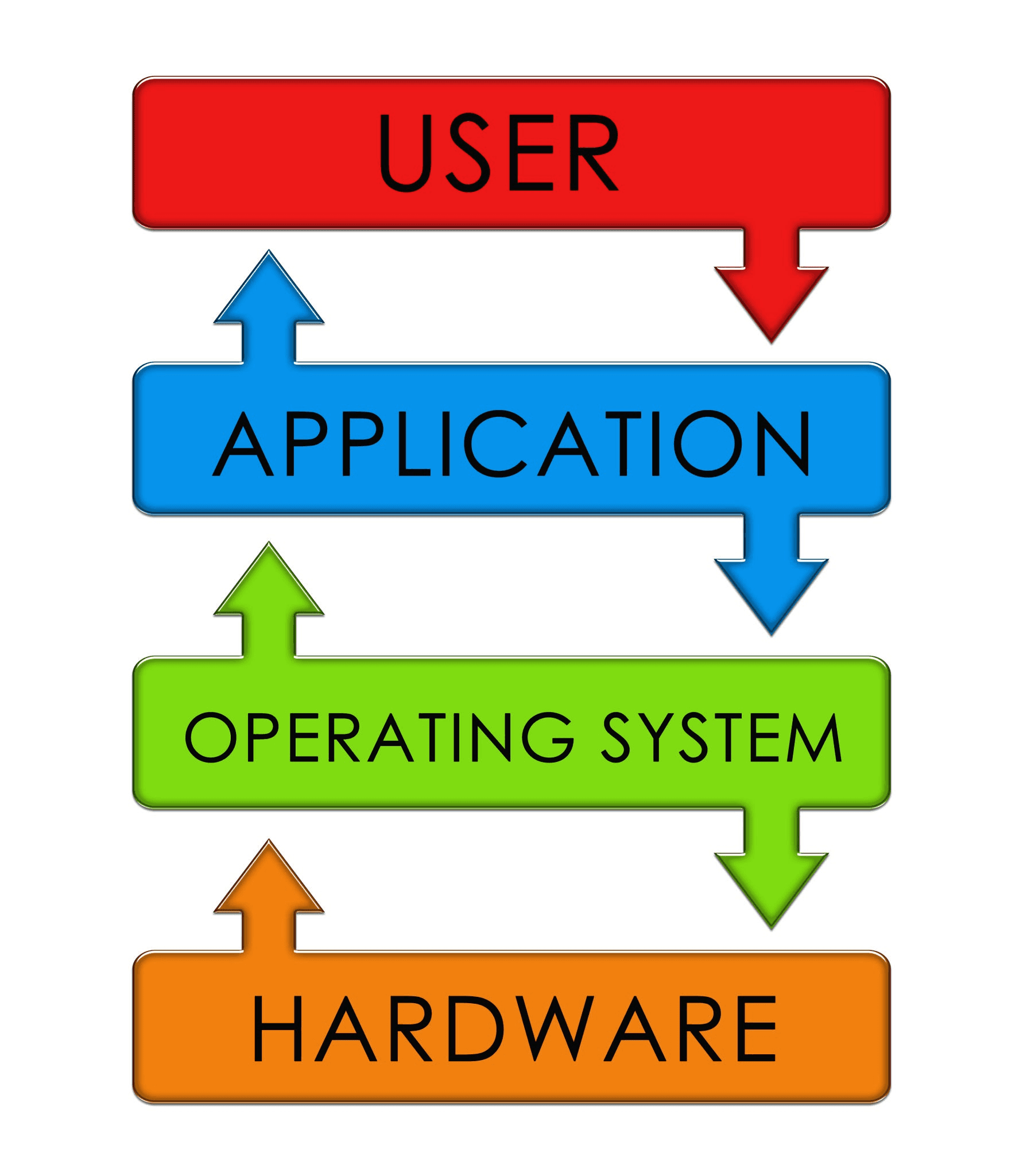
Things OS does
an OS act as a Resource Manager and as a Hardware Abstraction Layer.
1. Process & Processor Management (CPU Scheduling)
CPU can only run instructions sequentially. OS handle all the multi tasking, which program to get executed at which time, for how long.
2. Memory Management (RAM)
- Allocates specific memory addresses to programs when opened.
- Prevents one program from overwriting the memory of another (Memory Protection).
- Reclaims memory when programs close.
- Implements Virtual Memory, utilizing hard drive space to extend RAM capacity when physical RAM runs low.
3. File & Storage Management
The file and folders are an illusion that OS gives us to maintain things ordered/structured. Underlying hardware stores data with their own methods.
4. Device & I/O Management
Computers connect to diverse peripheral hardware (keyboards, mice, GPUs, printers, monitors). The OS uses specialized software modules called Device Drivers to translate standard OS requests into the specific instructions required by each piece of hardware.
5. Security and Access Control
OS basically does almost all the security and access control of a system unless special hardware is used like Apple Security Enclave .
6. Providing User & Application Interfaces
- For Users: Offers a User Interface (UI), either a Graphical User Interface (GUI like Windows/macOS) or a Command-Line Interface (CLI like Linux bash).
- For Applications: Exposes System Calls and Application Programming Interfaces (APIs). A web browser doesn't write code to play sound on your specific speakers; it simply calls the OS function
playSound(), and the OS routes it to the audio hardware.
Core Components of OS
| OS Component | Function |
|---|---|
| Kernel | The core program loaded at boot. Resides in memory, holding absolute control over system resources and direct access to hardware. |
| System Calls | The API gateway programs use to request privileges or resources from the Kernel (e.g., requesting to open a file). |
| Shell / GUI | The outer layer that accepts user commands and passes them to the Kernel for execution. |